 Alexander Zhirov
02091c2850
Alexander Zhirov
02091c2850
|
||
|---|---|---|
| data | ||
| grub | ||
| CHANGELOG.md | ||
| LICENSE | ||
| README.md | ||
| gfu.sh | ||
README.md
GRUB for USB
Installing the GRUB loader on a USB device.
The script creates only the primary boot partition of 1 GiB (EFI or Legacy). Use other utilities to mark up the rest of the unallocated space.
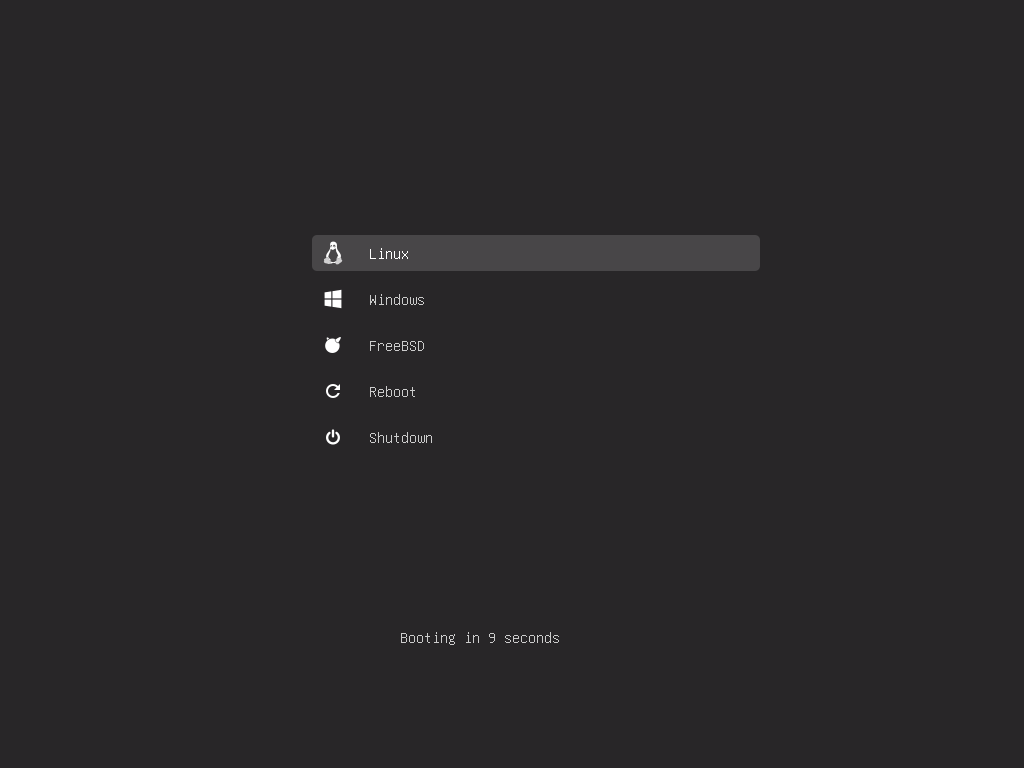
Usage
Clone the repository:
$ git clone https://github.com/AlexanderZhirov/gfu.git
Go to "GRUB for USB":
$ cd gfu
Install bootloader on your device (eg /dev/sdd):
$ sudo ./gfu.sh --device /dev/sdd --legacy
All data will be deleted from your device /dev/sdd. Are you ready to continue? [Y/N]: y
The msdos partition table on /dev/sdd has been created successfully.
i386-pc bootloader was installed successfully.
The boot device was created successfully!
Help
Usage: gfu.sh -d <device> [OPTION]

        -d, --device <device>   Bootloader Installation Device
        -l, --legacy            Installing Legacy Bootloader
        -e, --efi               Installing EFI Bootloader
Menuentries
The grub/menuentries directory contains configuration files that are automatically read by grub.cfg. Therefore, there is no need to edit the main file. It is enough to place your boot configurations in grub/menuentries.
Themes
You can also upload the theme you want to the theme directory and set it as the default theme in themes/theme.cfg